
Photos you'll toss in days?
Skip the gallery — use SideCam
The parking level, a café Wi-Fi password, a single receipt. Keep short-lived photos and notes out of your gallery — and after the period you set, the app deletes them on its own.
How many photos like this
are in your gallery?
Your gallery is for memories — not parking levels and Wi-Fi passwords. And when you finally open it to clean up, you don't even know where to start.
The shutter handles
what comes after the shot
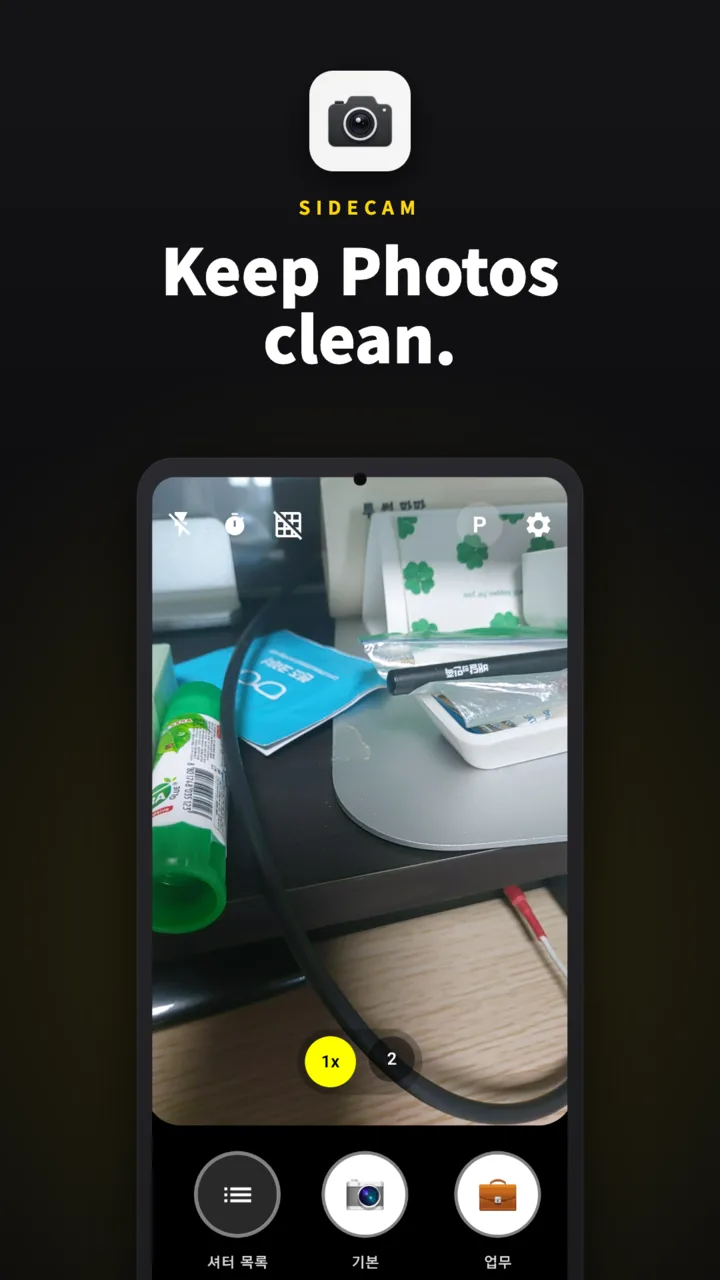
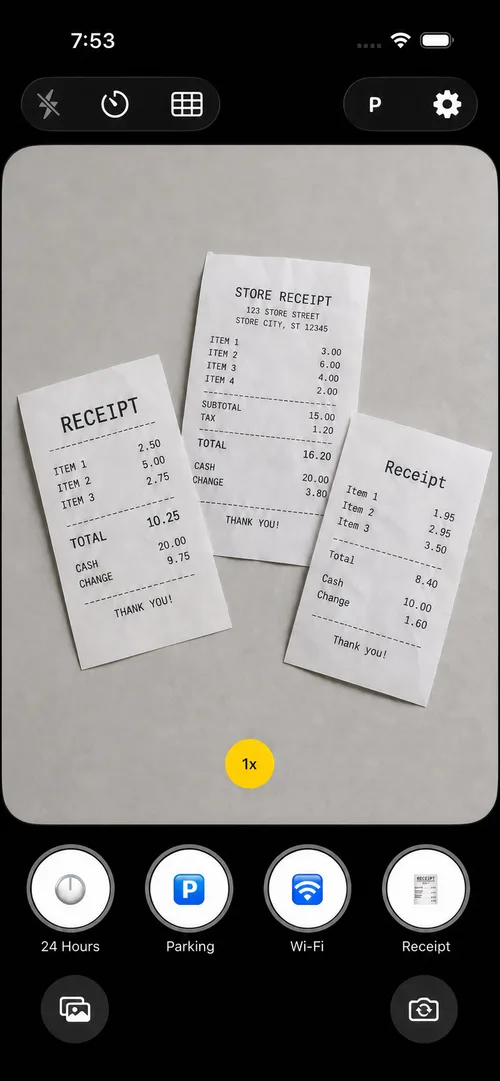
What happens after you shoot depends on which shutter you used. One tap is all it takes.
Every shutter behaves differently
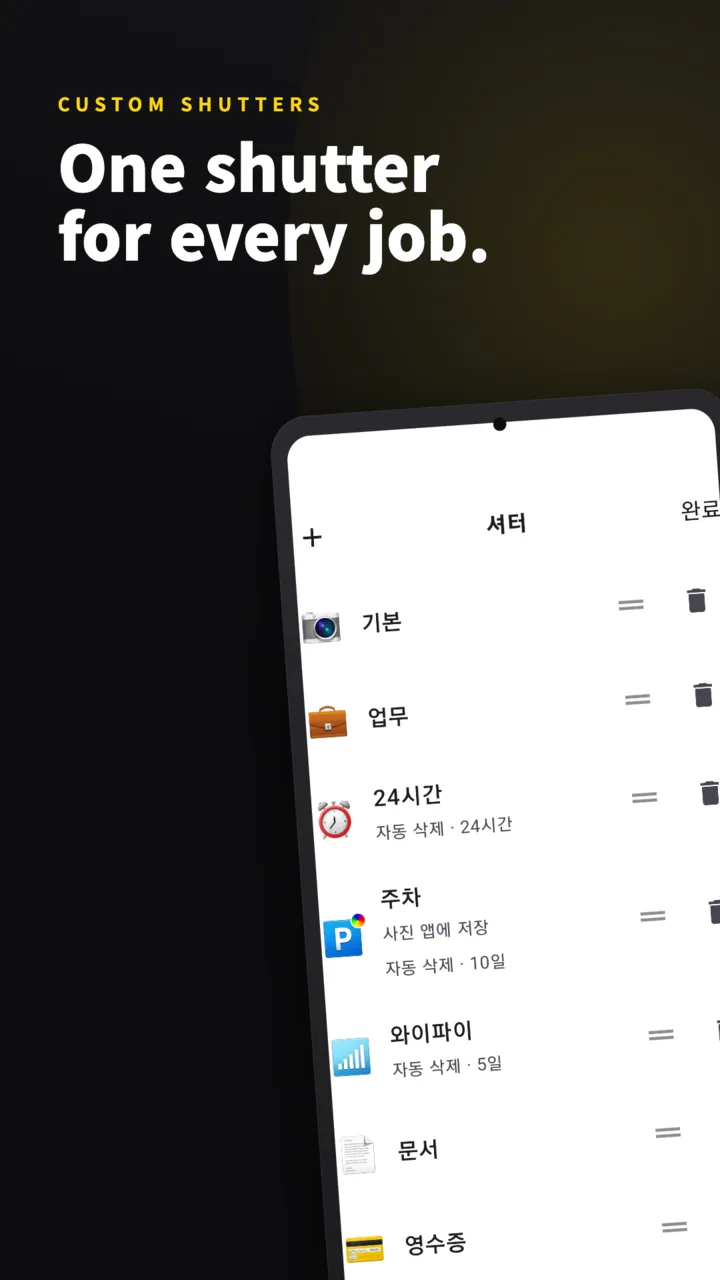
Seven shutters come built in, and you can change everything — names, emoji (200+), options and order.
- Save to the gallery too — or keep it in the app only
- Silent shooting — no shutter sound, even in a library
- Preview right after — for photos you need to check
- Memo keyboard pops up — before you forget the zone number
- When to delete — 9 steps from 30 minutes to 30 days
It reads the text in your photos for you
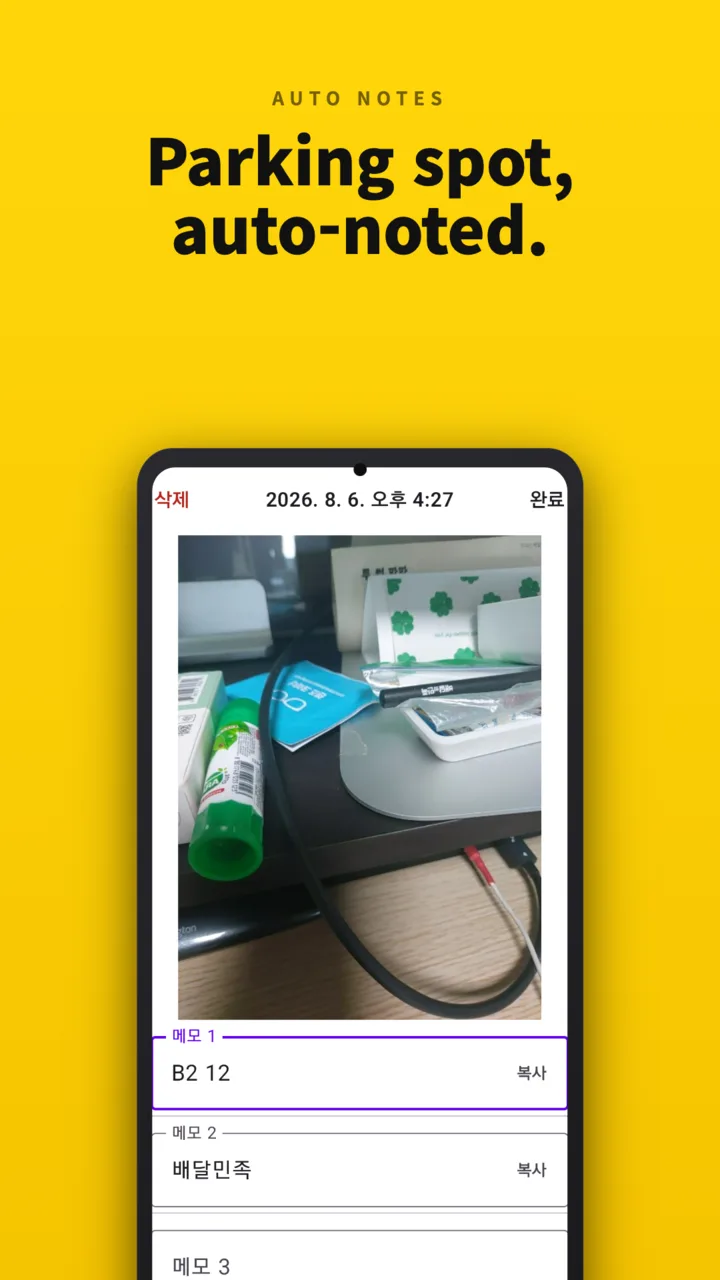
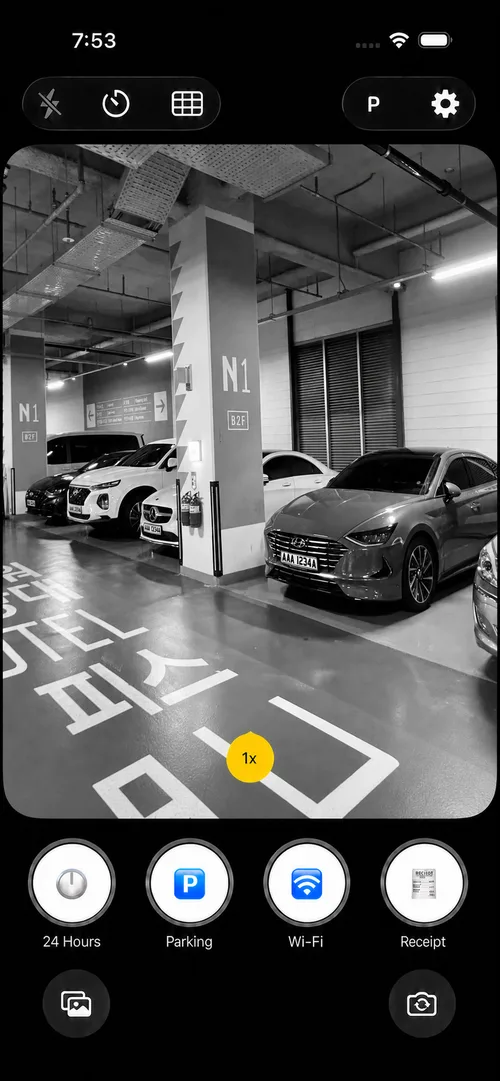
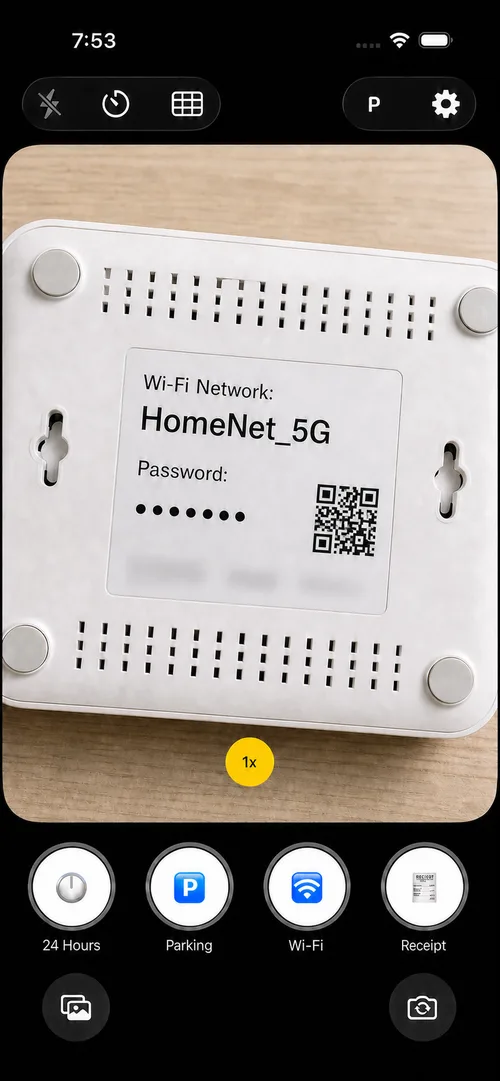
Shoot with the Parking or Wi-Fi shutter and SideCam recognizes the text in the photo, pre-filling zone numbers or passwords as memos. Later, just tap a memo to copy it.
- Up to 3 memos per photo
- One tap to copy to the clipboard
- Recognition runs on your device only — photos are never sent anywhere
- Recognizes Korean · English · Japanese · Chinese
The app does the cleanup
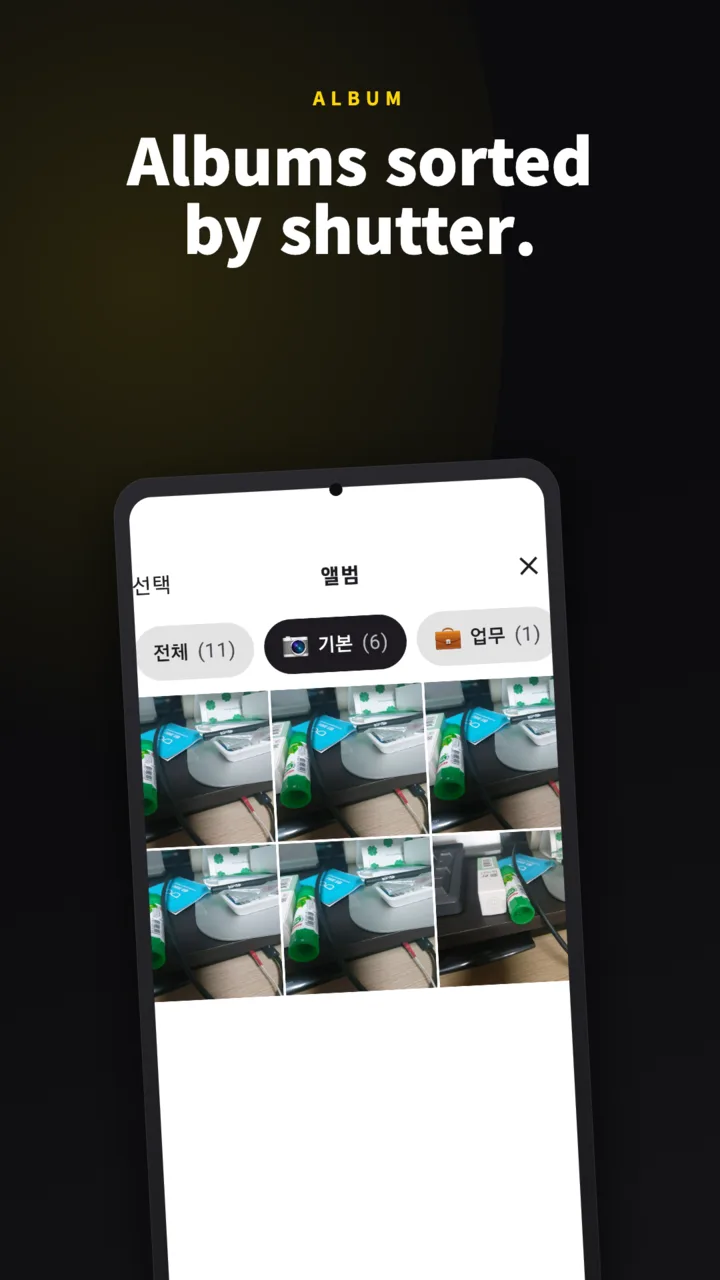
Set a retention period per shutter and expired photos disappear on their own. You can forget that cleanup even exists.
- Parking photos for 10 days, receipts for a month, quick screens for 30 minutes
- Want to keep one? Save it to your gallery right then
- Delete-all requires biometric authentication
It catches the moment you leave the car
When your car's Bluetooth disconnects, you get a notification. Turn on auto-launch and the camera opens right away.
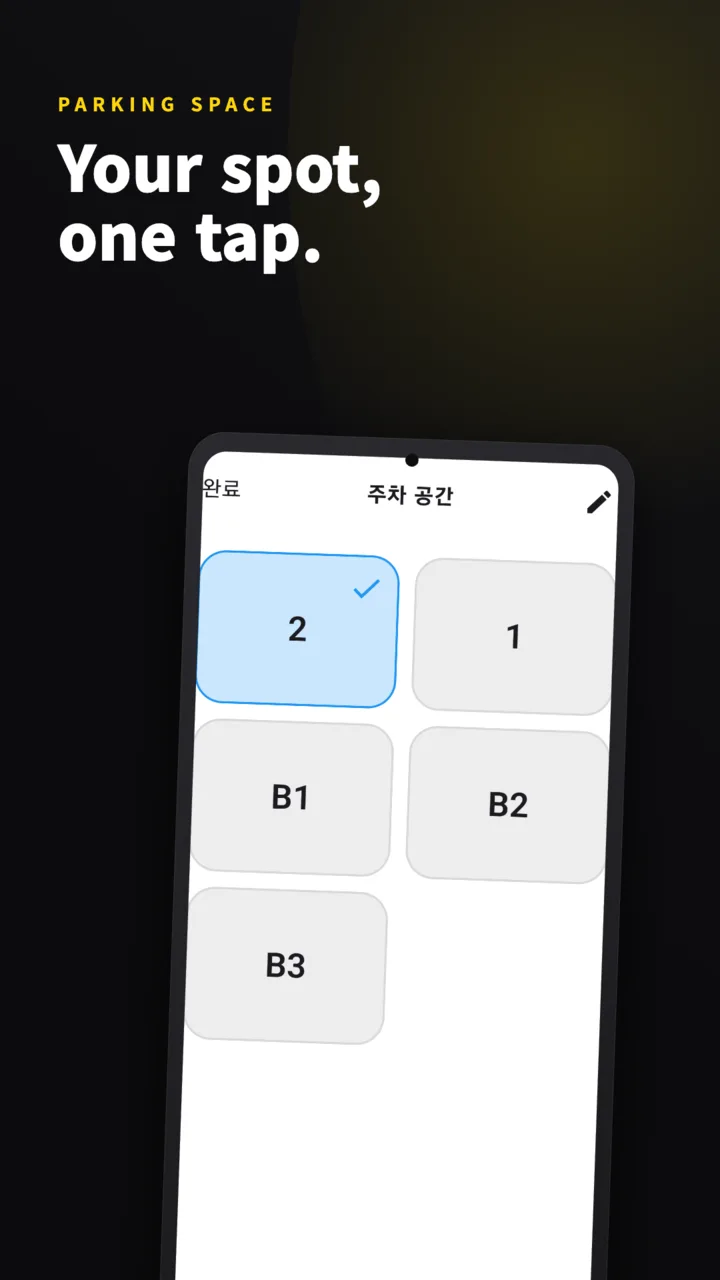
- Register parking spaces for lots you use daily — home, office
- Log which basement level with one tap
- A reminder every 30 minutes of how long you've been parked
- Not GPS — your own photo remembers the spot
Opens fastest
when you need it
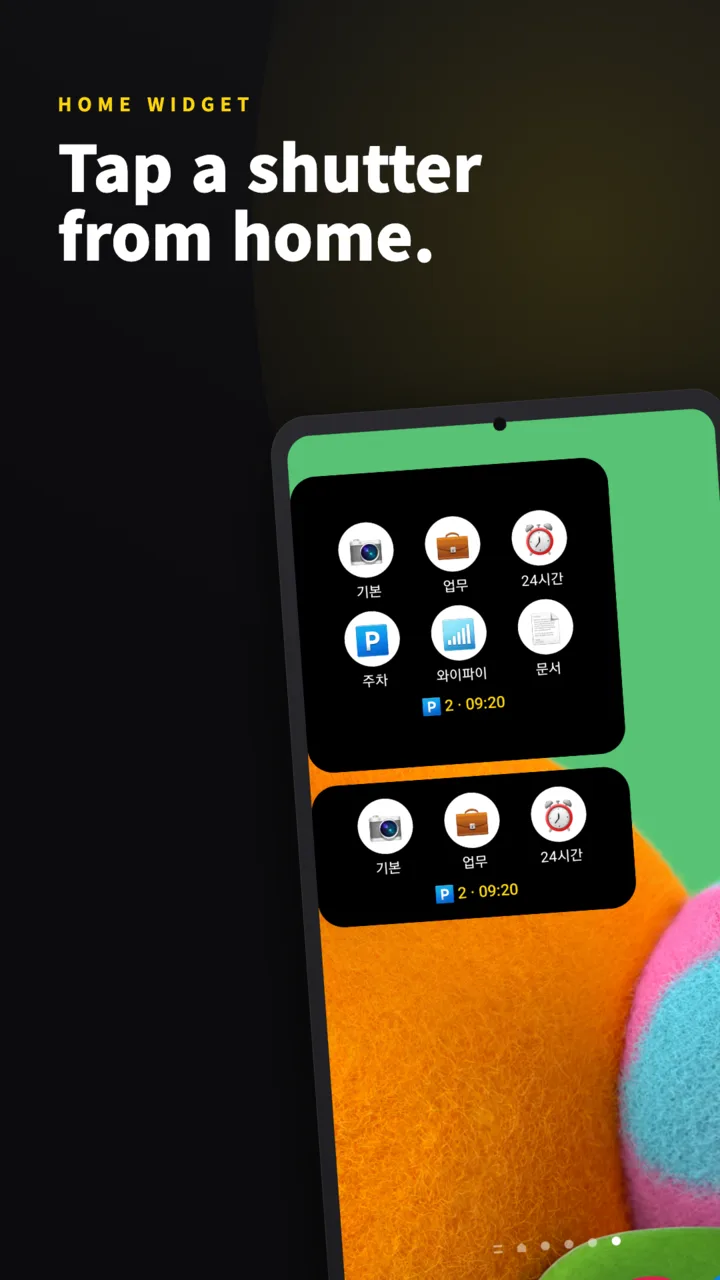
Home screen widget
Tap a shutter and the camera opens with it already selected. The large widget also shows your saved parking space and when you parked.
Quick Settings tile
Pull down the notification shade and shoot. No hunting for the app.
Lock screen shortcut
Shoot without unlocking. Only the camera works — the album and settings stay locked, so your photos and memos are safe even if the phone briefly changes hands.
The same SideCam,
now on iPhone
Shutters, auto-noted text, auto-delete — it all works the same on iPhone. Launch it straight from the Lock Screen widget or Control Center.
Your photos stay
on your device
Photos and memos are stored inside the app only. Nothing is uploaded to a server, and there's no account to create. Saving to the gallery or sharing happens only when you tap it yourself.
Read the privacy policy- No server uploads · no account
- No location (GPS) permission at all
- Text recognition runs on-device
- Storage no other app can access
- Delete-all only after biometric auth
Frequently asked questions
Do photos also go to my gallery?
By default they stay inside SideCam only. You can turn on gallery saving per shutter, or open a photo later and save it to the gallery yourself.
Does it use location (GPS)?
No. The app doesn't even have the location permission. Your parking spot is recorded only through the photos you take, the memos you type, and the parking spaces you registered in advance.
Is it free? Do I need an account?
It's free, with no sign-up or login. Photos and memos are never sent to a server — they stay on your device.
Can auto-deleted photos be recovered?
No. Save photos you want to keep to your gallery, or turn off auto-delete for that shutter. Retention can be set in 9 steps, from 30 minutes to 30 days.
I was using the old Parking Camera app — what happens to my data?
Parking Camera simply became SideCam, so just update. Your saved parking photos and parking spaces remain exactly as they were.
Which devices are supported?
Android 9.0 or later, and iPhone (iOS 26 or later) — get it on Google Play or the App Store. SideCam supports Korean, English, Japanese, Chinese (Simplified & Traditional), German, French and Vietnamese.
Keep only keepers in your gallery.
Short-lived photos and memos go in SideCam.
Free · No account · Android & iPhone